📝Note💻Tech
Devs Can No Longer Avoid Learning Git Worktree

Tony Duong
Mar 19, 2026 ・ 2 min
#git#worktree#workflow#ai#video
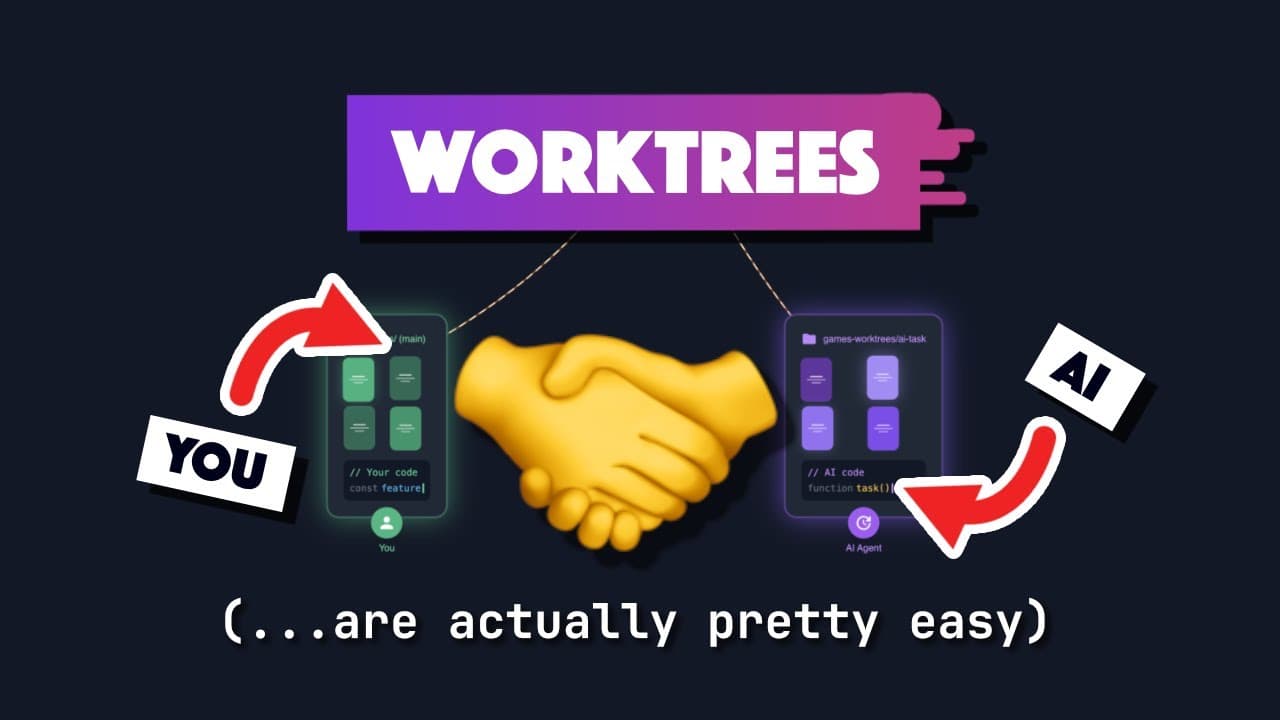
Overview
A video arguing that git worktree is no longer optional for developers. The speaker (influenced by Chiao Tran's workflow) had put off learning worktrees because they sounded hard and he could avoid the scenarios where they seemed useful—until agentic AI made the problem much less avoidable.
The problem worktrees solve
- Context switching without stashing or committing WIP: e.g. you're in the middle of a feature and need to do a hotfix, or review a PR, or switch to another branch in the same codebase.
- Agentic AI workflows: When an AI agent is working on a task for 15–30+ minutes in the same repo (e.g. a multi-phase track that opens a PR when done), you can't productively work in that same working directory—the agent is editing the same files. Without worktrees you either wait (e.g. watch YouTube until the PR is ready) or risk conflicts.
What is a git worktree?
- A worktree is a separate working directory tied to the same Git repository, typically checked out to a different branch.
- You can have multiple worktrees at once: e.g. main in
./my-project, feature branch in./my-project-feature, agent branch in./my-project-agent. Each has its own files on disk; when both are done you merge branches as usual. - Create one:
git worktree add <path> [branch](e.g.git worktree add ../my-project-hotfix main). Tools like lazygit also support creating and managing worktrees.
Why it's harder to avoid now
- Agentic AI often runs for a non-trivial amount of time and modifies the codebase. If you want to keep working in the same repo (e.g. on something else) while the agent runs, you need a second working directory—that's what a worktree provides. Same repo, same history, different working tree and usually a different branch.
Key takeaways
- Git worktree = multiple working directories from one repo (different branches, same .git history).
- Use cases: hotfixes, PR review, and running AI agents in a separate worktree so you can keep coding in another.
- Create with
git worktree addor via lazygit; merge branches when done.
