📝Note💻Tech
Git Will Finally Make Sense After This

Tony Duong
Mar 23, 2026 ・ 4 min
#git#version-control#video#fundamentals
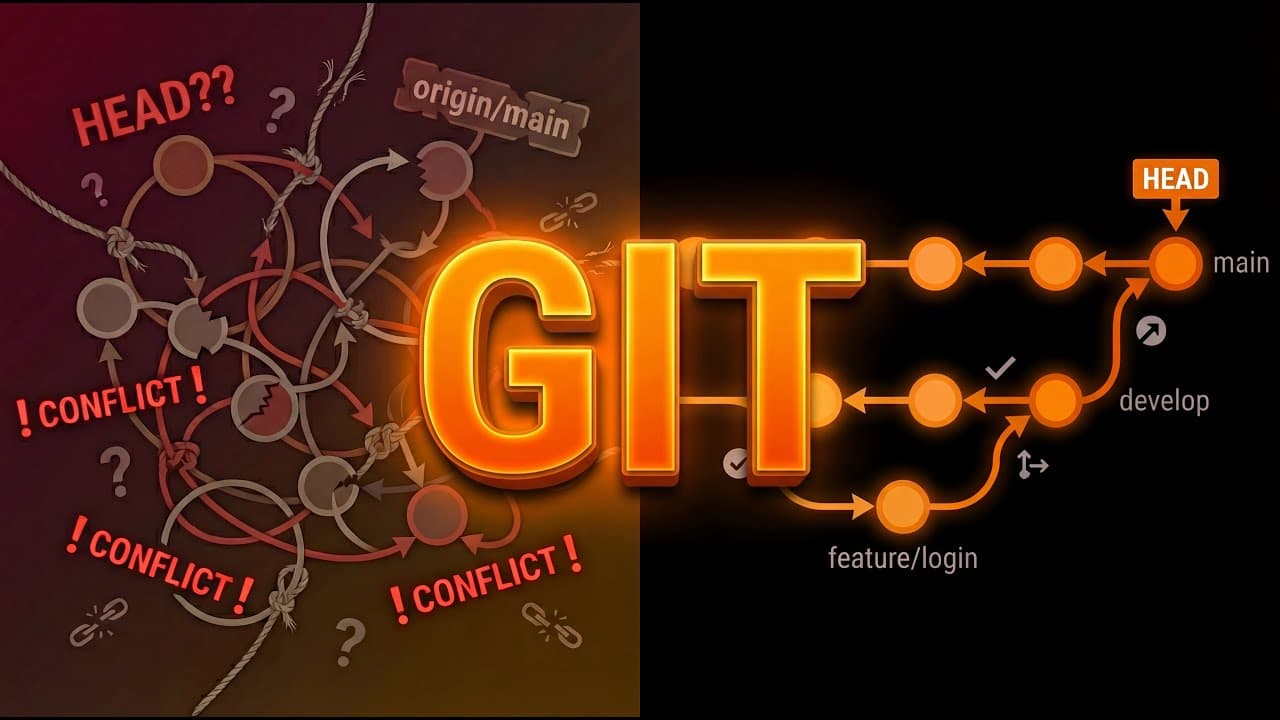
Overview
A video that demystifies Git by building from zero. Many developers memorize commands without understanding what happens underneath—this walkthrough explains the mental model so you "never fear it again."
Git as a database
- Git is a database. The fundamental unit is the commit.
- A commit is a snapshot — a complete photograph of your entire project at one moment in time.
- Not the changes you made; the entire state of every file at that instant.
What a commit contains
Each commit has three parts:
- Pointer to the snapshot — every file exactly as it existed.
- Metadata — who created it, when, and the commit message.
- Pointer to the parent commit — the commit that came directly before.
Commits chain backwards. Children know their parents; parents never know their future children. The first commit has no parent (origin of history). Merge commits have two parents.
DAG — Directed Acyclic Graph
- The commit structure forms a DAG (directed acyclic graph).
- Directed: relationships only go one way (children → parents).
- Acyclic: no loops; you can't create a cycle in history.
- Graph: nodes (commits) and connections (links).
- Because every commit is a complete snapshot, you can jump to any point in the graph and see your project exactly as it existed—no reconstruction, no replay.
Branches are just pointers
- A branch is not a copy of the codebase. It's a sticky note, a pointer, a tiny text file containing one thing: the hash of a commit.
git branch featurecreates a file that says "this branch points to commit A1B23." Nothing more.- Branches are labels stuck on different commits. Commits have no idea what branches exist. Branches don't contain commits—they point at them.
- When you commit on a branch, Git creates the new commit, links it to the parent, and moves the sticky note to the new commit. That's branching.
- Creating a branch is instant—you're placing a sticky note, not copying anything.
- main is not special—just another sticky note we've agreed is the primary line of work.
HEAD
- HEAD is Git's way of tracking your location. It's another pointer.
- Usually HEAD points at a branch (which points at a commit). When on
main, HEAD → main → commit. git checkout featuremoves HEAD to point at the feature branch.- When you checkout a raw commit hash (not a branch), HEAD points directly at that commit—no branch in between. This is detached HEAD.
- In detached HEAD: you can still work and commit, but no branch follows along. When you switch away, those commits are orphaned. No branch points to them. Eventually
git gcwill clean them up. - Classic mistake: checkout an old commit to test, find a bug, fix it, commit, then
git checkout main—the fix vanishes. It was never on a branch; it was orphaned then garbage collected. - Git warns you not because you're broken, but because commits won't be saved unless you create a branch to hold them.
Three areas in Git
- Working directory — the actual files on disk, what you see in your editor.
- Staging area (index) — a waiting room where you prepare what will go into your next commit.
- Repository — the database of commits, the permanent history.
Flow: edit file → working directory changes. git add → move changes to staging. git commit → take staging and create a permanent commit. Understanding these three layers is key to understanding reset and related commands.
Undo commands (checkout, reset, revert)
- Checkout moves HEAD.
git checkout main→ HEAD points to main.git checkout C1→ HEAD points directly to that commit. Working directory updates to match. Checkout does not change the commit history. - Reset moves the branch HEAD points to (and can also touch working directory and staging, depending on
--soft,--mixed,--hard). - Revert creates a new commit that undoes a previous one—safe for shared history.
Key takeaways
- Git = database of snapshots. Each commit = full project state + metadata + parent pointer.
- History is a DAG; commits point backwards.
- Branches = pointers (commit hashes). main = convention, not special.
- HEAD = where you are (usually → branch → commit).
- Detached HEAD = HEAD on a raw commit; commits there can be orphaned if you switch away without creating a branch.
- Three areas: working dir, staging, repo.
addandcommitmove between them. - Understanding the model makes checkout, reset, revert, merge, and rebase less mysterious.
