📝Note💻Tech
SSH Explained in 2 Minutes!

Tony Duong
Mar 19, 2026 ・ 2 min
#ssh#devops#security#video
Overview
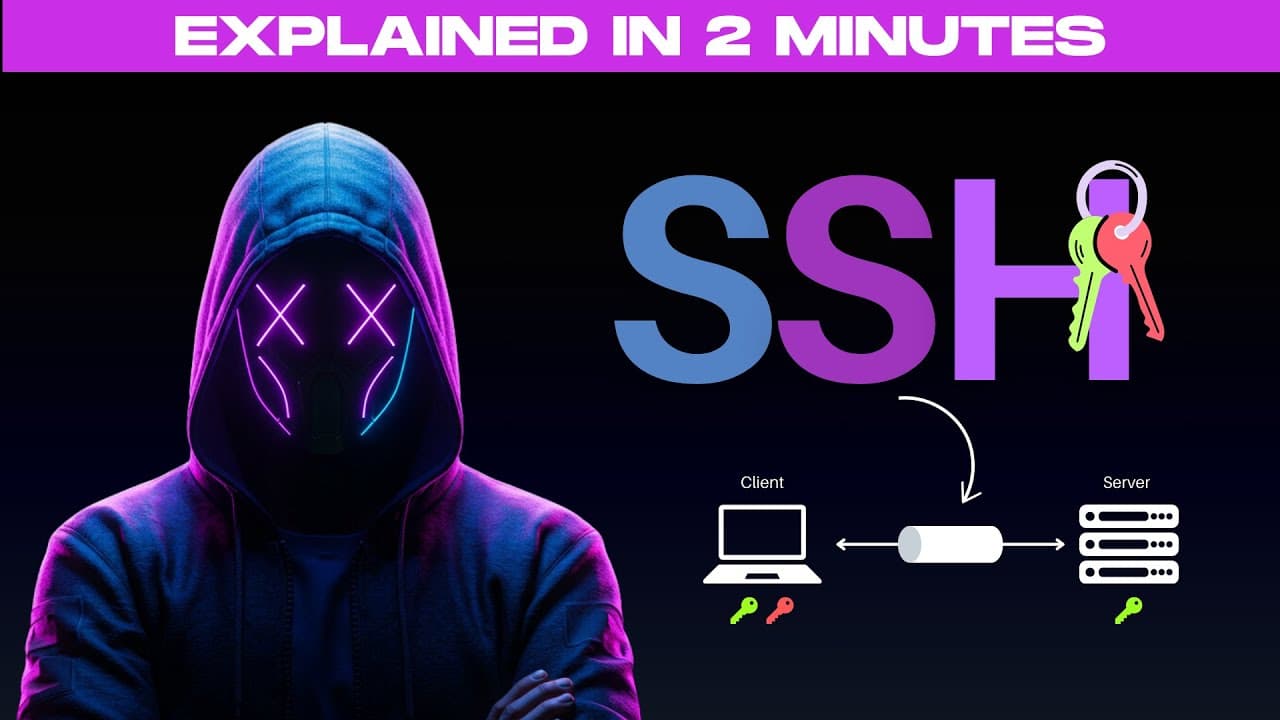
SSH (Secure Shell) is one of the most essential tools for anyone working with remote servers—especially when managing your own infrastructure or deploying applications. This short video explains what SSH is and how it works.
What is SSH?
- SSH is a protocol for connecting to a remote computer securely.
- The connection is established over an encrypted channel, so all data between your machine and the remote server is protected from eavesdropping or interception.
- SSH is used for: remote command-line access, file transfers, and tunneling traffic. Commonly used by system administrators and developers for server maintenance, application deployment, and troubleshooting.
Components
- SSH client — the machine you run the connection from (your local machine).
- SSH server — the remote machine you connect to.
Authentication
Two main methods:
-
Password authentication — enter username and password to access the remote server. Simplest method but not the most secure, since passwords can be intercepted.
-
SSH key authentication — uses a public and private key pair:
- The client generates a pair of SSH keys on their local machine (public key + private key).
- The private key stays securely on the client's machine; the public key can be shared with the server.
- When the client connects, the server checks if the client's public key is authorized. If it matches, the server sends an encrypted challenge (a random string) to the client.
- The client uses its private key to decrypt the challenge and sends the decrypted response back. The server verifies with the public key; if the response matches the expected value, the client is authenticated.
- Once authenticated, a secure encrypted SSH session is established—from there the user can run commands or transfer files securely.
Key takeaways
- SSH provides encrypted, secure access to remote machines.
- Prefer SSH key authentication over passwords for better security.
- Client/server model: your machine = client, remote machine = server.
